Best AI Image Editing Tools for Jewelry Photos
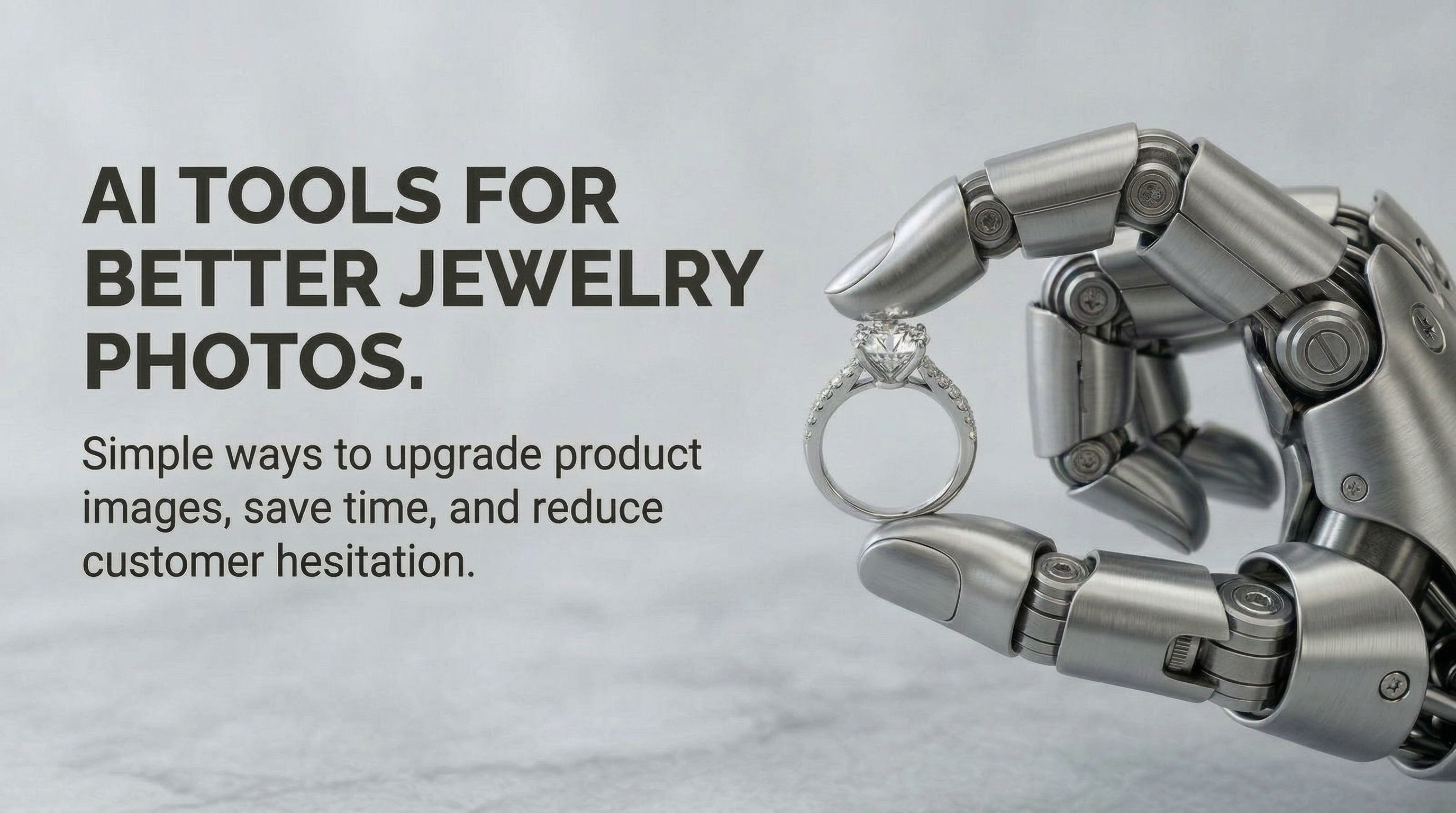
Editing jewelry photos can get complicated faster than most people expect.
A ring may need a cleaner background. A pendant might need a softer metal tone. Earrings can look sharp in one photo and flat in the next. And even after the obvious cleanup is done, there is usually still more to handle, like improving clarity, keeping gemstones believable, resizing for ecommerce, and making the whole catalog look consistent.
That is why many brands end up trying a mix of AI tools.
Some are helpful for cutouts. Some are better for general photo edits. Some are useful for creative experiments. And some work well for product images overall. But jewelry is different. Reflective metal, tiny details, gemstone color, sparkle, and texture all make it harder than a typical product category.
If you are searching for an AI jewelry retouching tool, an AI jewelry photo editor, or a better way to handle AI jewelry background removal, it helps to understand where the common tools fit and where a more specialized workflow starts to help.
Quick note: There are plenty of good general-purpose tools out there. The question is usually not whether they work. It is whether they work well enough for jewelry, and whether you want to use several tools or keep more of the workflow in one place.
A quick look at the common tools people try first
- remove.bg is often the first stop for fast background cutouts.
- Nano Banana is useful when you want flexible, prompt-based visual edits.
- Photoshop is still the strongest option when detailed manual control matters.
- Photoroom is popular for quick ecommerce product-image workflows.
- Poliro is more specific to jewelry, combining editing, enhancement, background cleanup, and material-variant generation in one workflow.
1. remove.bg for AI jewelry background removal
remove.bg is one of the simplest tools to start with. If your main goal is to isolate a ring, necklace, or bracelet from its original background, it is fast and easy to use.
For basic AI jewelry background removal, that is genuinely useful. It helps create clean cutouts without much effort, which can save time for marketplaces, catalogs, and simple product pages.
The issue is that jewelry work rarely ends there. Once the background is removed, you may still need to clean the metal, improve the stone appearance, sharpen small details, and make the final image feel polished enough to sell a premium product.
2. Nano Banana for broader creative edits
Nano Banana is often mentioned when people talk about flexible AI image editing. It is useful for prompt-based changes, experimenting with image direction, and trying alternate visual styles without manually retouching every part of the image.
That can be helpful for jewelry brands too, especially when testing campaign ideas, mood changes, or different visual approaches.
But there is a difference between creative flexibility and product accuracy. Jewelry photos usually need controlled edits that keep prongs, stone placement, metal finish, and proportions believable. For that kind of work, a broader editing model is not always the cleanest fit.
3. Photoshop for detailed control
Photoshop still matters because it offers a lot of precision. If your team needs to handle difficult reflections, advanced cleanup, compositing, or fine retouching, it remains one of the most capable tools available.
For experienced editors, that level of control is valuable.
The tradeoff is time. Photoshop works well when you want depth and precision, but not every jewelry brand wants to spend that much time on each image, especially when the catalog is growing or launches are frequent.
4. Photoroom for ecommerce-ready product images
Photoroom is a useful tool for ecommerce teams that want speed. It helps with product cutouts, alternate backgrounds, and general cleanup for listings and ads.
For stores exploring AI product jewelry photography, it can be a practical option. It is especially helpful when the priority is getting product images to a cleaner commercial standard without much manual work.
Still, it is built for product imagery in general. Jewelry often needs more careful handling than other categories, particularly when premium perception depends on very small visual details.
Where general AI tools start to feel fragmented
The usual pattern looks something like this:
- Remove the background in one tool.
- Improve or retouch the image in another.
- Upscale or sharpen somewhere else.
- Export, resize, or prepare catalog images in a separate step.
- Test alternate material or gemstone looks through a different workflow.
That setup can work, but over time it becomes harder to manage. Files move between tools, outputs start to vary, and keeping a consistent standard across a collection takes more effort than it should.
This is usually where a jewelry-specific workflow starts to sound less like a luxury and more like a practical choice.
Why a specialized AI jewelry photo editor can help
A specialized AI jewelry photo editor is useful because jewelry has very specific editing problems.
It is not just about making a photo look nice. It is about making it look trustworthy, clean, premium, and consistent across dozens or hundreds of SKUs.
That usually means handling things like:
Metal cleanup
Jewelry metal needs to look polished, but not fake. Silver, platinum, yellow gold, and rose gold all need slightly different treatment.
Gemstone enhancement
Stones should look clearer and more attractive, but still believable. Over-editing quickly becomes obvious in jewelry.
Consistent cutouts and backgrounds
A clean white or transparent background matters, especially when you are preparing catalog or marketplace visuals.
Sharpness and fine detail
Small features like prongs, pavé, chain texture, and engraving need to stay crisp.
Batch-friendly editing
For growing catalogs, speed matters almost as much as quality.
This is the kind of space where Poliro fits more naturally.
Rather than treating jewelry as just another product category, Poliro is designed around jewelry imagery itself. It combines multiple tasks that are often split across different tools, including retouching, enhancement, upscaling, and AI jewelry background removal.
That makes it easier to use as both an AI jewelry retouching tool and an AI jewelry photo editor, especially if your team wants cleaner results without building a patchwork workflow around several different apps.
One especially useful feature: material variants from one input image
A particularly interesting part of the workflow is that Poliro can generate different material and gemstone variants from a single jewelry image.
So if you begin with a gold diamond ring, you can generate a broader set of combinations from that same source image, such as platinum, brushed platinum, rose gold, hammered gold, ruby gemstone versions, emerald gemstone versions, and other material or stone variations.
That is useful for more than just visual experimentation.
It helps with merchandising
You can explore different product directions visually without having to create a separate image workflow for each variation.
It reduces content bottlenecks
Instead of needing brand-new visuals for every finish or gemstone option right away, one strong source image can support more of the catalog.
It creates more flexibility
Teams can build product-page assets, internal concepts, ad creatives, or collection previews more efficiently.
For brands that sell many variations of the same design, this is where the workflow becomes much more practical. It is not only about editing a jewelry photo. It is about producing a wider set of useful assets from one starting point.
A more practical way to think about all this
General AI image editors are still helpful. Most jewelry teams will probably use some of them at one point or another.
- remove.bg is useful for fast cutouts
- Nano Banana is helpful for flexible visual experimentation
- Photoshop is strong when manual precision matters
- Photoroom helps speed up ecommerce image preparation
But once the need becomes more specific, especially around consistency, premium presentation, and catalog scale, the question changes.
It becomes less about finding one tool for one task, and more about whether you want an editing workflow built around jewelry itself.
That is where a dedicated AI diamond ring enhancer, AI jewelry retouching tool, or AI jewelry photo editor starts to make more sense.
Final thoughts
If you are still piecing together a workflow, that is normal. Many brands begin with whatever solves the most immediate problem, usually background removal, simple retouching, or basic enhancement.
But jewelry photography tends to expose the limits of general tools fairly quickly. Small details matter more. Consistency matters more. And once material and gemstone variants enter the picture, the workflow becomes even more specialized.
That is why tools like Poliro feel useful in a different way. Not because they replace every image editor for every possible task, but because they are built around the real needs of jewelry brands: cleaner edits, more believable enhancement, consistent output, and the ability to generate material variants from a single input image.
If that is the type of workflow you need, a more specialized tool is often the simpler option.
Thanks for reading. If you work with jewelry images every day, the best workflow is usually the one that keeps quality high without turning every edit into a long process.
Ready to enhance your next jewelry photo?
Studio-quality results in seconds. Free to start. No card required.
One concise email. Unsubscribe anytime.
Related Articles
How to Add Sparkle to Jewelry Photos Without Faking the Stone
A practical protocol for enhancing jewelry sparkle while preserving facet patterns, stone identity, and product truth.
How to Export Jewelry Photos for Shopify, Etsy, and Amazon
A practical jewelry export matrix for choosing JPEG, PNG, or WebP without losing transparent edges, metal tone, gemstone detail, or marketplace compatibility.
How to Photograph Gemstones Before AI Enhancement
A practical six-frame source-photo protocol for preserving gemstone color, facets, inclusions, scale, and setting details before AI enhancement.