Should You Photograph Every Jewelry Variant or Generate It?
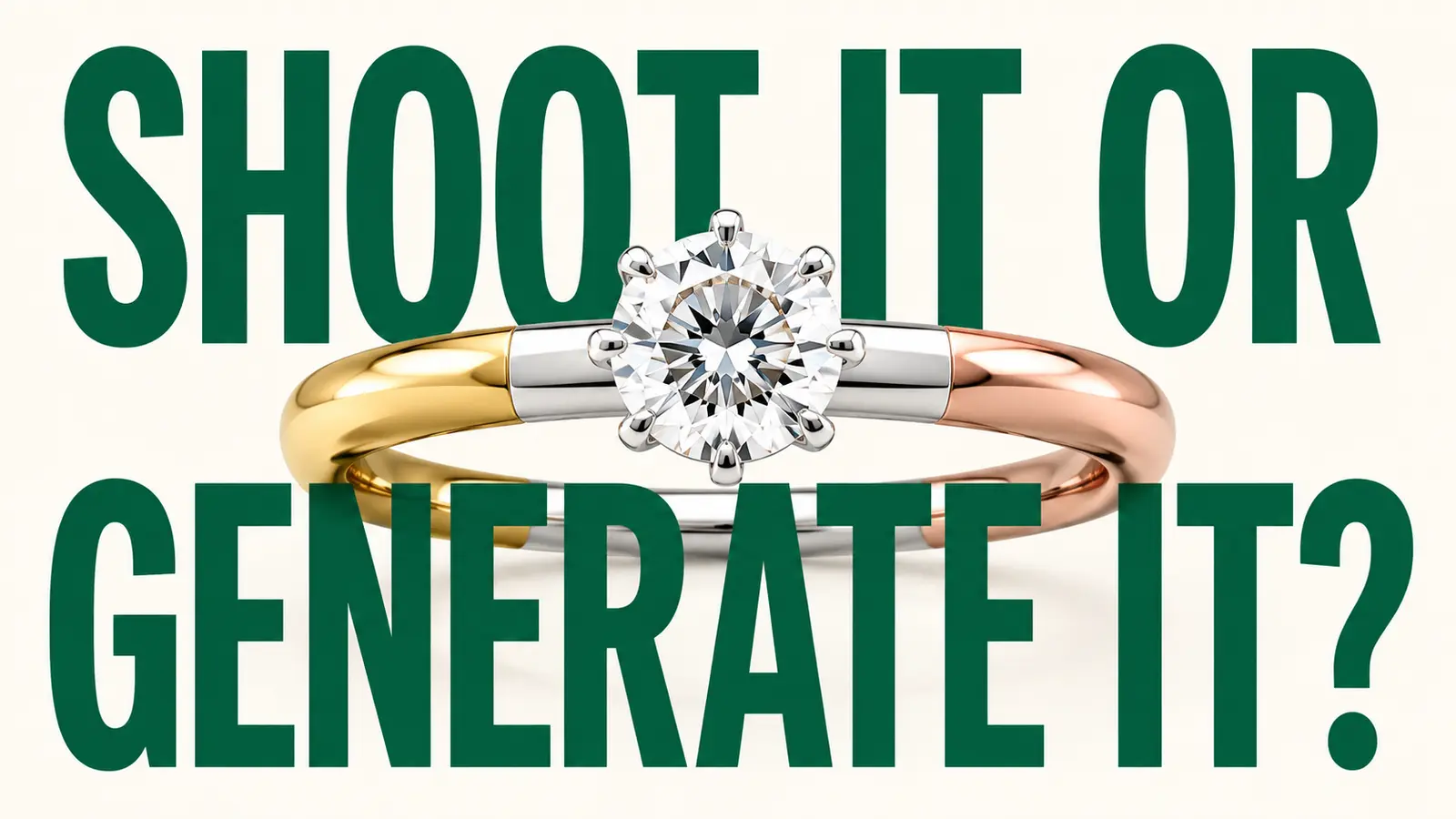
Imagine a ring sold in yellow gold, white gold, and rose gold, with four center-stone options.
That is twelve sellable combinations. The setting stays constant, but the metal reflections and gemstone character do not. Photographing every version is expensive when some variants are made to order. Generating every version is fast, but a polished image can quietly show the wrong hue, finish, prong relationship, or stone behavior.
This is a hypothetical scenario, not a Poliro customer result. It captures the real decision: use photography when the exact physical item is the evidence; use a generated variant when it is a controlled visualization that can be verified against the sellable specification.
The hard part is not choosing one method for the whole catalog. It is routing each variant correctly.
“Same design” does not mean “same evidence”
Material-variant tools are becoming a normal part of jewelry image workflows. Poliro’s current product page describes gemstone and metal variants from a source image. NeuroViz says its Jewelry Modifier Pro can change metal color and finish or swap gemstone color and type. Lustra publicly offers color variants across metals, while Gem Logic describes a matrix of metal, gemstone, and stone-shape options.
Those are vendor descriptions, not an independent output benchmark. I did not run the same ring through each product for this article, so I am not ranking their fidelity.
What the public feature set does show is that the operator’s problem has moved. The question is no longer only, “Can software make a rose-gold version?” It is, “When is that version responsible to use, and what must be checked before it represents a SKU?”
The answer depends on what the image is being asked to prove.
First classify the variant
Before opening an editor, put the requested output into one of three classes.
1. Exact stocked piece
The item exists, is available, and may have characteristics that matter to the purchase: a particular included stone, handmade texture, estate condition, engraving, hallmark, or one-off setting detail.
Photograph it.
AI can still help with presentation work such as background cleanup, crop, or conservative retouching, but the physical piece should remain the visual source of truth.
2. Repeatable sellable variant
The business genuinely offers the specified combination and can document what remains fixed and what changes. For example, the same production setting may be available in 14k yellow, white, and rose gold with a calibrated center stone.
This is the strongest candidate for generation. The output still needs an approved physical reference, CAD or manufacturing specification, and a review that checks the listed variant rather than the source color alone.
3. Concept or configuration preview
The combination is exploratory, custom, or not yet manufactured. It may help a buyer discuss options, but it is not evidence that the exact item is in stock or that every visual detail will match production.
Label it as a visualization and keep it out of the primary product-image slot until the business can support the representation. A small disclosure cannot rescue an image that leaves the main impression that a different item already exists.
This classification is a Poliro workflow recommendation, not a marketplace rule.
The shoot-or-generate decision matrix
Use the table at the SKU level. A catalog can contain all three routes at once.
| Decision signal | Photograph the physical variant | Generate, then verify | Keep as a labeled concept |
|---|---|---|---|
| One-of-one, estate, vintage, or naturally variable piece | Yes | No for the main listing image | Only for clearly separated creative exploration |
| Hallmark, engraving, damage, patina, or handmade irregularity affects the sale | Yes | Only for presentation changes that preserve the exact detail | No as a substitute for the piece |
| Repeatable manufactured setting with documented metal/stone options | Preferred when stock is available | Reasonable when the sellable specification and references are complete | Not needed if the variant is truly orderable |
| Made-to-order option without a finished sample | Photograph the closest approved reference if useful | Reasonable as a verified visualization | Use this route when final appearance can vary materially |
| Stone has unique zoning, inclusions, play-of-color, or cut character | Yes | High risk; require an exact stone reference | Safer than implying an exact match |
| Image is for a conservative PDP or marketplace main slot | Strong preference | Only after strict approval and channel checks | Usually no |
| Image is for an ad, mood board, or client configuration discussion | Useful but not always required | Reasonable with a clear relationship to the product | Yes, with a visible label where needed |
This matrix deliberately avoids a blanket “AI versus photography” verdict. A clean metal swap for a repeatable production SKU is a different job from representing the inclusions in a one-of-one sapphire.
Build the variant specification before generating
A prompt is not a product specification.
For each planned output, record the attributes the customer can actually order:
- SKU or configuration ID
- base design and approved source views
- metal type, karat or fineness, color, and finish
- gemstone identity, treatment disclosure when applicable, cut, dimensions, and target color range
- stone count and placement
- prong, bezel, halo, gallery, shoulder, shank, clasp, or link details that must remain fixed
- hallmark or engraving rules
- whether the output represents an exact item, a repeatable variant, or a concept
- approved sales channels and image role
The FTC’s small-business advertising guidance says internet advertising claims must be truthful and substantiated, and its jewelry section points businesses to specific guides for claims about metals, diamonds, gemstones, and pearls. That guidance does not prescribe an AI image workflow. It does reinforce why the visual and the written specification should tell the same product story.
If the listing says 14k rose gold with an oval amethyst, the image should not drift into copper-colored metal, a rounder stone, or a different setting merely because the result looks attractive.
Approve the output against two references
One reference is not enough for a material variant.
Use the base design reference to protect geometry. Use a second, approved material reference to judge the intended metal or gemstone character. That second reference might be a physical sample, a calibrated supplier image, a CAD/render approved by the maker, or another photographed SKU made with the same finish and stone specification.
Then compare in a fixed order:
- Design identity: silhouette, dimensions, setting topology, stone count, prongs, links, clasps, and marks.
- Metal identity: hue, reflectivity, polish or texture, plating appearance, and the way the finish behaves across highlights and shadows.
- Gem identity: color range, cut and facet pattern, transparency, inclusions or zoning when relevant, and the relationship between the stone and setting.
- Sales truth: the pictured combination is actually orderable, and the title, selected option, price, and fulfillment path match it.
- Channel handling: crop, background, overlays, file format, and required provenance or AI labeling are appropriate for the destination.
GIA’s jewelry photography guidance is a useful reminder that clean, stable, in-focus source photography still matters. Generation cannot recover trustworthy product evidence that the source and specification never captured.
Keep a variant approval manifest
The most useful artifact is not the generated image. It is the small record that explains why the image was allowed into a listing.
Use one row per output:
| Field | Record |
|---|---|
| Output ID | Stable filename or asset ID |
| Listing SKU/configuration | The exact sellable option represented |
| Classification | Exact piece / repeatable variant / concept |
| Source design reference | File or asset ID |
| Material reference | File, CAD, sample, or maker approval |
| Intended changes | Metal, stone, finish, or other approved difference |
| Locked details | Geometry and marks that must not change |
| Reviewer decision | Keep / review / reject |
| Reason | Short factual explanation |
| Channels | PDP, marketplace, ad, configurator, or internal only |
| AI provenance action | Metadata preserved and any channel label handled |
| Reviewer and date | Named accountable decision |
Google Merchant Center currently says images created with generative AI must contain appropriate IPTC DigitalSourceType metadata and that embedded provenance metadata should not be removed. Google also provides an AI-label control for Merchant Center assets. Those are current Google requirements and controls, checked on August 11, 2026; they are not a universal rule for every channel. Recheck the destination policy before export.
The manifest makes that recheck possible. It also prevents an internal concept render from quietly becoming tomorrow’s main product image.
The stopping rules matter more than the generation rules
Reject or reroute the output when:
- the business cannot confirm that the pictured combination is sellable
- a source view is too weak to protect the design
- a unique stone or one-of-one condition is being standardized into a generic ideal
- the metal or gemstone reference is missing
- a hallmark, engraving, prong, link, clasp, or proportion changes
- the reviewer cannot tell whether a difference is material
- channel provenance or disclosure requirements cannot be met
“Review” is a blocked state, not a softer approval. The next action might be another source angle, a maker’s confirmation, a physical sample, a human retoucher, or a new photograph.
That is slower than clicking approve. It is faster than explaining why the product delivered does not match the image.
Final thoughts
Material variants are useful because jewelry catalogs contain real repetition. One setting may be sold across metals and stones, and photographing every possible made-to-order combination may not be practical.
But a variant image is not safe merely because the design started from a real photo.
Classify the output. Document the sellable specification. Protect geometry with the base reference. Judge the material against a second reference. Keep an approval manifest that follows the asset into the channel.
Generate the combinations that are responsible to visualize. Photograph the details that only the physical piece can prove.
Sources and further reading
- Poliro: AI Jewelry Image Studio
- NeuroViz: Creative Jewelry Photography and Jewelry Modifier
- Lustra AI: Color Variants
- Gem Logic: All Jewelry Variants
- Google Merchant Center: AI-generated content
- Google: Use AI content label settings and disclosures
- FTC: Advertising FAQs for Small Business
- GIA: How to Photograph Gems & Jewelry
Thanks for reading. If I cannot explain what a variant image proves, I would rather keep it out of the listing.
— Kristijan G
Ready to enhance your next jewelry photo?
Studio-quality results in seconds. Free to start. No card required.
One concise email. Unsubscribe anytime.
Related Articles
How to Add Sparkle to Jewelry Photos Without Faking the Stone
A practical protocol for enhancing jewelry sparkle while preserving facet patterns, stone identity, and product truth.
How to Export Jewelry Photos for Shopify, Etsy, and Amazon
A practical jewelry export matrix for choosing JPEG, PNG, or WebP without losing transparent edges, metal tone, gemstone detail, or marketplace compatibility.
How to Photograph Gemstones Before AI Enhancement
A practical six-frame source-photo protocol for preserving gemstone color, facets, inclusions, scale, and setting details before AI enhancement.